Internal dashboard systems
One screen per team showing exactly what they need to act on today.

- Engagement
- Fixed-scope build, one screen per role
- Typical timeline
- 3–4 weeks
- Starts with
- Half a day sitting behind whoever keeps the reconciliation spreadsheet.
Your operations manager keeps five tabs open and a spreadsheet that reconciles them, so the number she reports depends on what time she checked. Acting on any of it means switching tools again.
Decisions made from the same numbers, company-wide.
What we build
Concrete artefacts, handed over and documented.
- 01
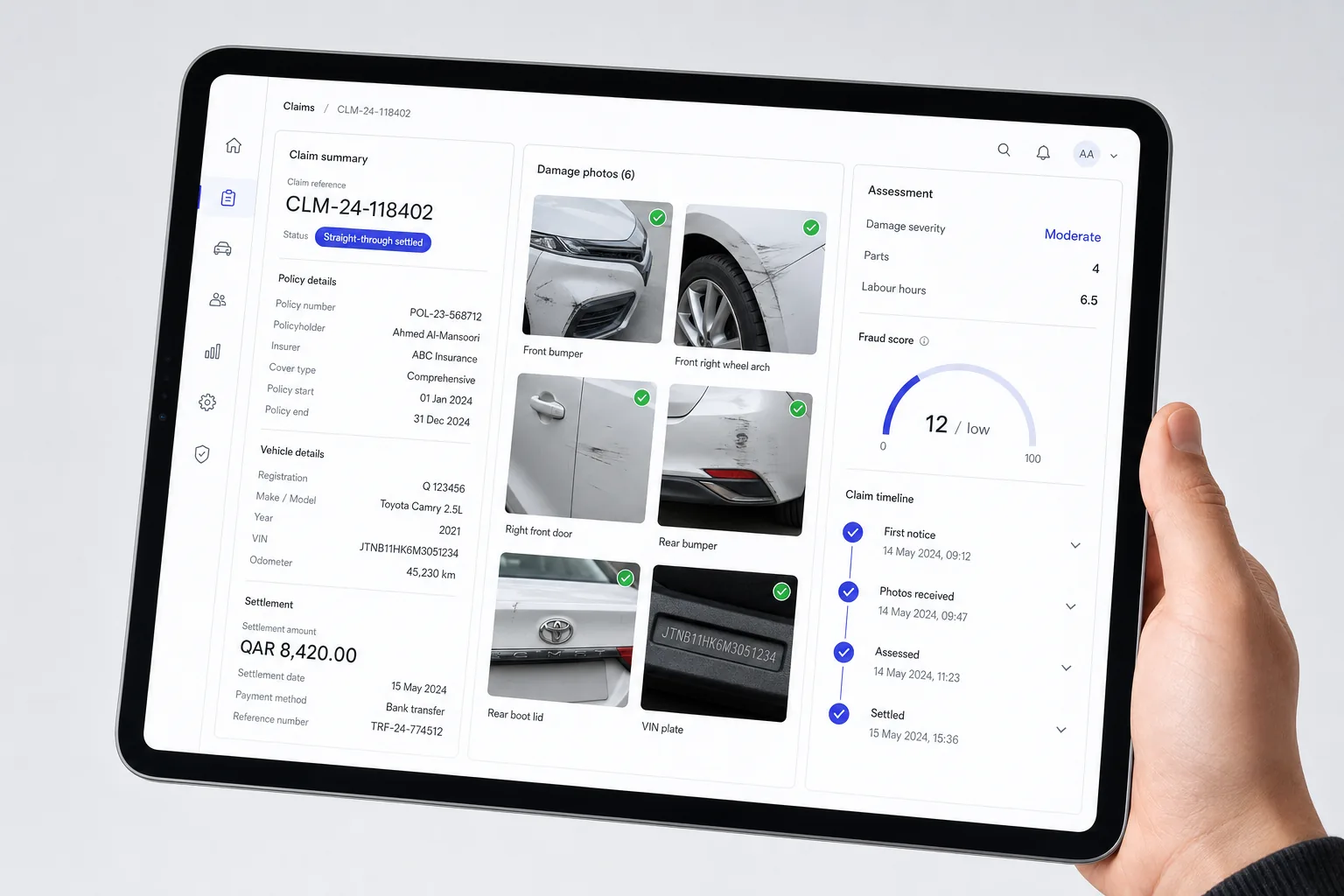
One operational screen per role, dispatch sees today’s jobs, finance sees unpaid invoices, management sees the four numbers that matter
- 02
Live data straight from the source systems, with the definition of each figure shown beside it
- 03
Actions on the screen itself: approve, assign, refund, chase, so looking and doing happen in one place
- 04
Roles and audit logging, so the person who pressed refund at 4pm is recorded
What changes
The morning reconciliation spreadsheet stops existing
Decisions happen on the same screen as the evidence, removing the daily tour of five tools
Everyone in the room argues from the same number
How it runs
- Week 1
01Watch the tabs
We record what each role checks, in what order, and what they do next. That sequence is the design brief.
- Weeks 2–3
02Build the screens
One screen per role, reviewed by the person who will use it daily rather than by their manager.
- Week 4
03Actions and permissions
The write operations, roles, audit logging, and the alerts that replace refreshing a page.
Chosen per project. Named here so you can see the shape of it.
- Retool
- Metabase
- Postgres
- Supabase
Questions we get asked
Tell us the outcome, not the tooling.
Send us the situation you are in. We will tell you which discipline it belongs to, what we would do first and what it costs, including when the answer is to wait.